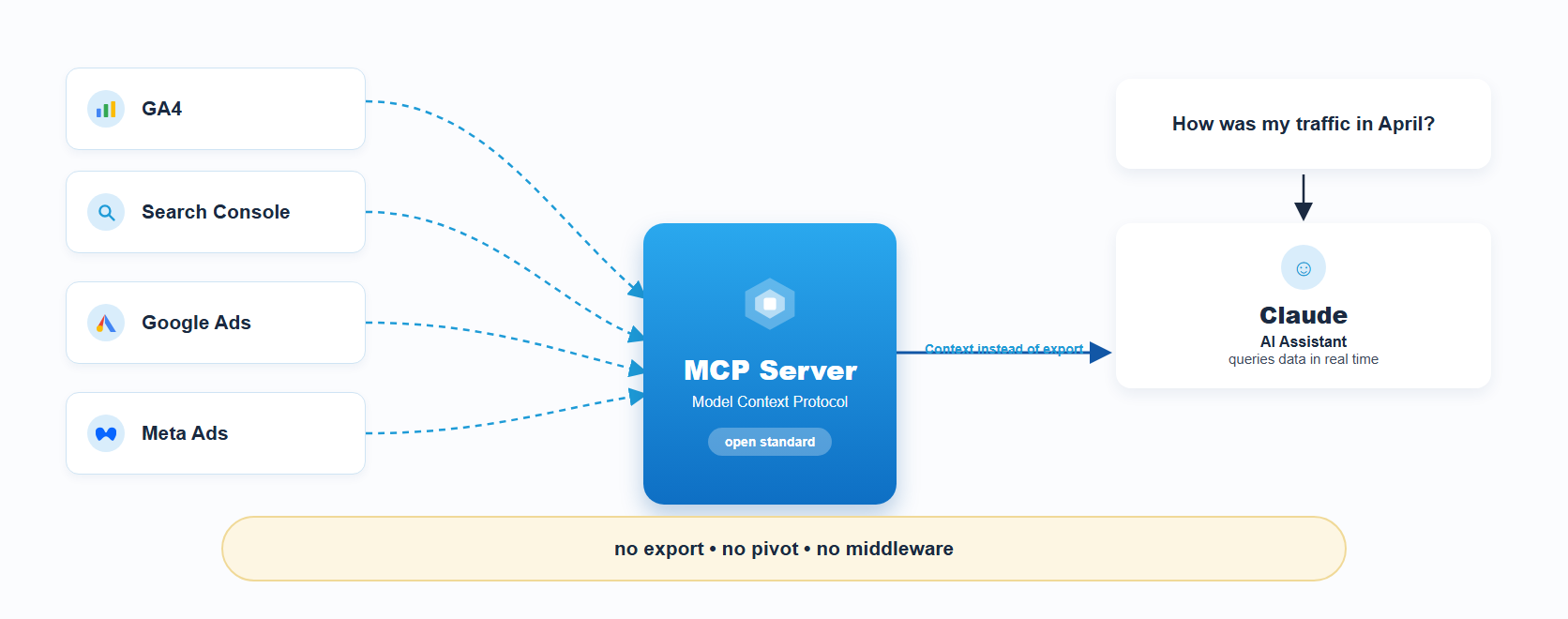
The setup runs via Claude Desktop (the free desktop app from Anthropic). Important: Not the Windows Store version, but download the .exe directly from claude.ai/download.
Install Node.js
Claude Desktop requires Node.js to run in the background. Download from nodejs.org – the LTS version is sufficient. After installation, check in the terminal:
node --version
If a version number appears, everything is correct.