Facebook Advertising – Custom Audiences in Unbounce
Facebook-Werbung - Benutzerdefinierte Zielgruppen in Unbounce
Custom Audiences is an option for targeting ads
After the online purchase being followed for weeks or often even months by remarketing ads for exactly that product, service, or any other service is one of the worst things a marketer can do to a user. Although a corresponding setting, for example in Google Ads, has been available since day one (Custom Combination, all website visitors minus buyers), many advertisers who should actually know better seem to have not understood this yet.
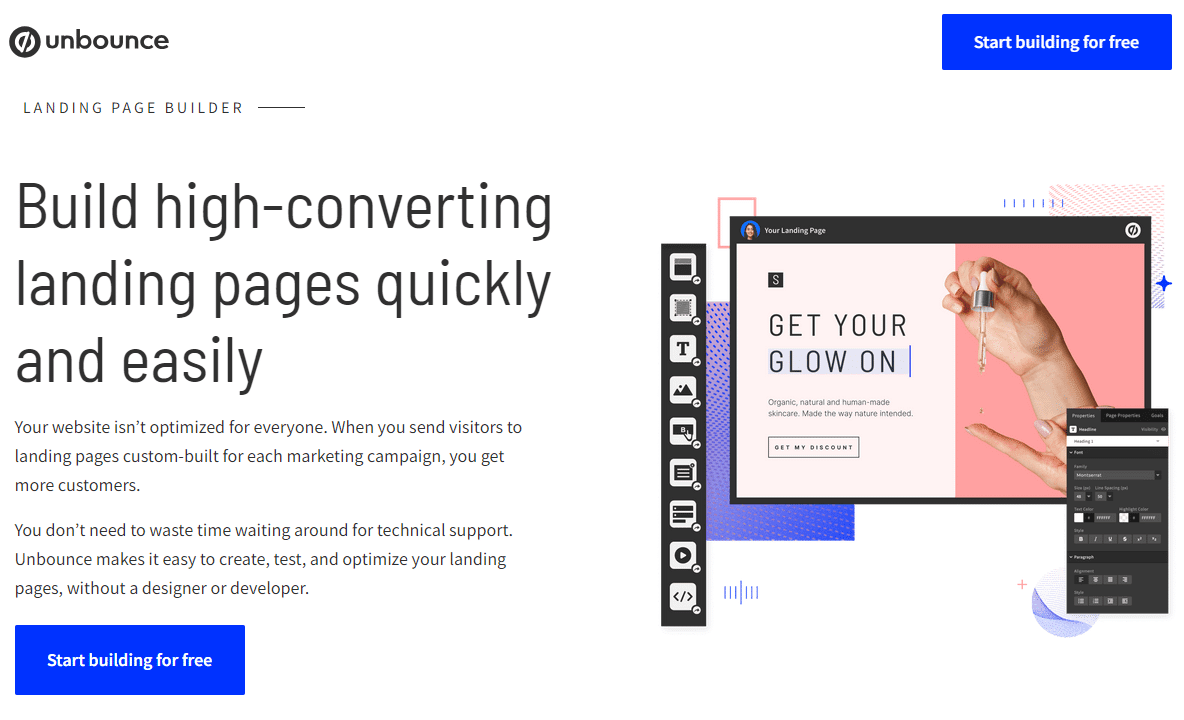
In Unbounce, the "thank you page" is displayed in a layer.
What can be relatively easily set up in Google Ads is not immediately obvious for Facebook Custom Audiences for Unbounce users, as the confirmation page opens in a layer.
Those who use Unbounce typically also have A/B testing activated: Important – depending on which variant is currently being used, the URL of the confirmation page changes each time. The goal is to add all visitors who did not convert to the list to add and to exclude all “buyers” (who have accessed one of the X possible Unbounce A/B test confirmation pages) from the list.
Unbounce confirmation URLs
Each Unbounce A/B testing variant has its own URL.
For the URLs of the Unbounce confirmation pages, a bit of searching in the documentation is required. Basically, all “thank you pages” end with form_confirmation.html and the variant is prefixed, so a-form_confirmation.html etc. If the (custom) domain is, for example, “produkt.domain.de” and there are four variants, then the confirmation pages of the variants are accessible as follows:
produkt.domain.de/a-form_confirmation.html
produkt.domain.de/b-form_confirmation.html
produkt.domain.de/c-form_confirmation.html
produkt.domain.de/d-form_confirmation.html
Create Facebook Custom Audience for Unbounce Visitors
Remove "Converted Visitors" from the Custom Audiences list
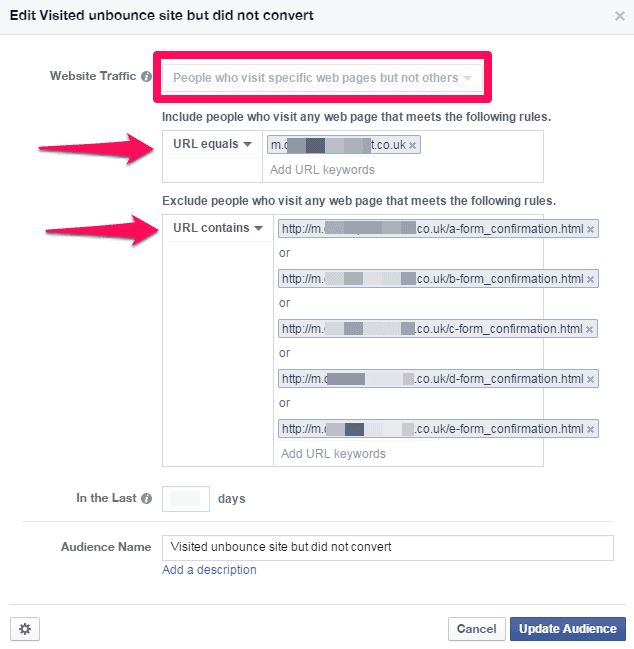
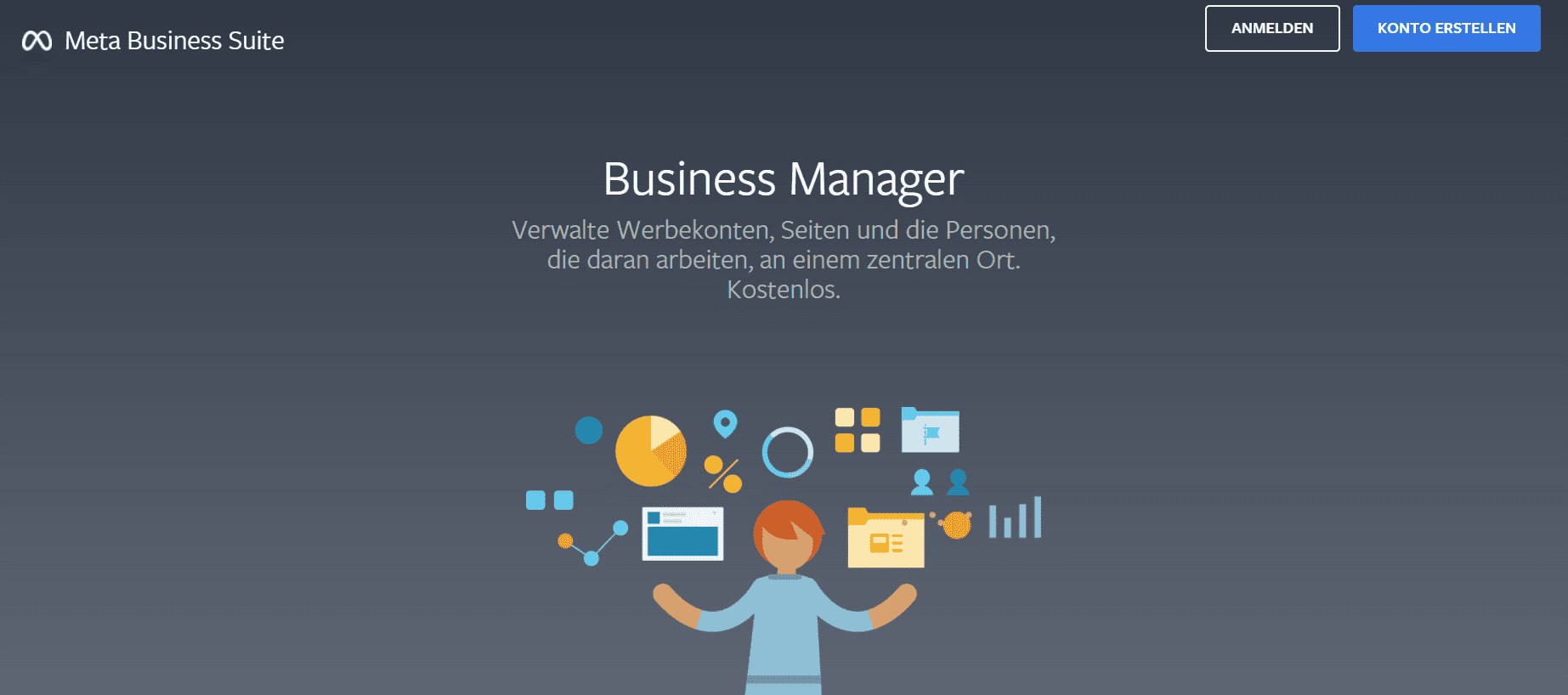
After logging in to facebook.com/business, the “Audiences” link can be found on the left side in the submenu. Here, a new “Custom Audience” type “Website Traffic” can be created at the top right. Now select the type “People who visit specific web pages but not others”. In the next step, specify the Unbounce landing page, which based on the example above would be produkt.domain.de. In the next step, enter the confirmation pages of the variants to exclude the corresponding visitors from the list. Facebook Custom Audiences require a list size of at least 100 visitors, meaning you will likely have to wait a bit before the corresponding ads can be run.
Free consultation on Facebook Advertising
Personal consulting for a strong online performance
We give our all to get your business on track in the area of SEA.





 Customer satisfaction